Jobber vs Service Autopilot: Which Wins for Lawn Care?
August 24, 2026 · Updated October 18, 2026 · 12 min read
Quick Verdict — October 2026
Based on both vendors' published pricing pages, October 2026
Bottom line: Jobber is the better choice for lawn care businesses up to about 8-10 field staff because it costs less at every comparable tier, has no sign-up fee, and crews learn it in a day. Service Autopilot makes sense past that size, or when you run a fertilization/chemical program that needs its application records and automation workflows — workflows locked behind the $499/mo Pro Plus plan.
Jobber
Polished, easy to learn, crews are productive in a day. Core starts at $49/mo with no sign-up fee, and you never pay $499/mo to unlock the good features.
Service Autopilot
Deep automation workflows, built-in chemical tracking for treatment programs, and routing designed around weekly recurring routes. Expect weeks of setup.
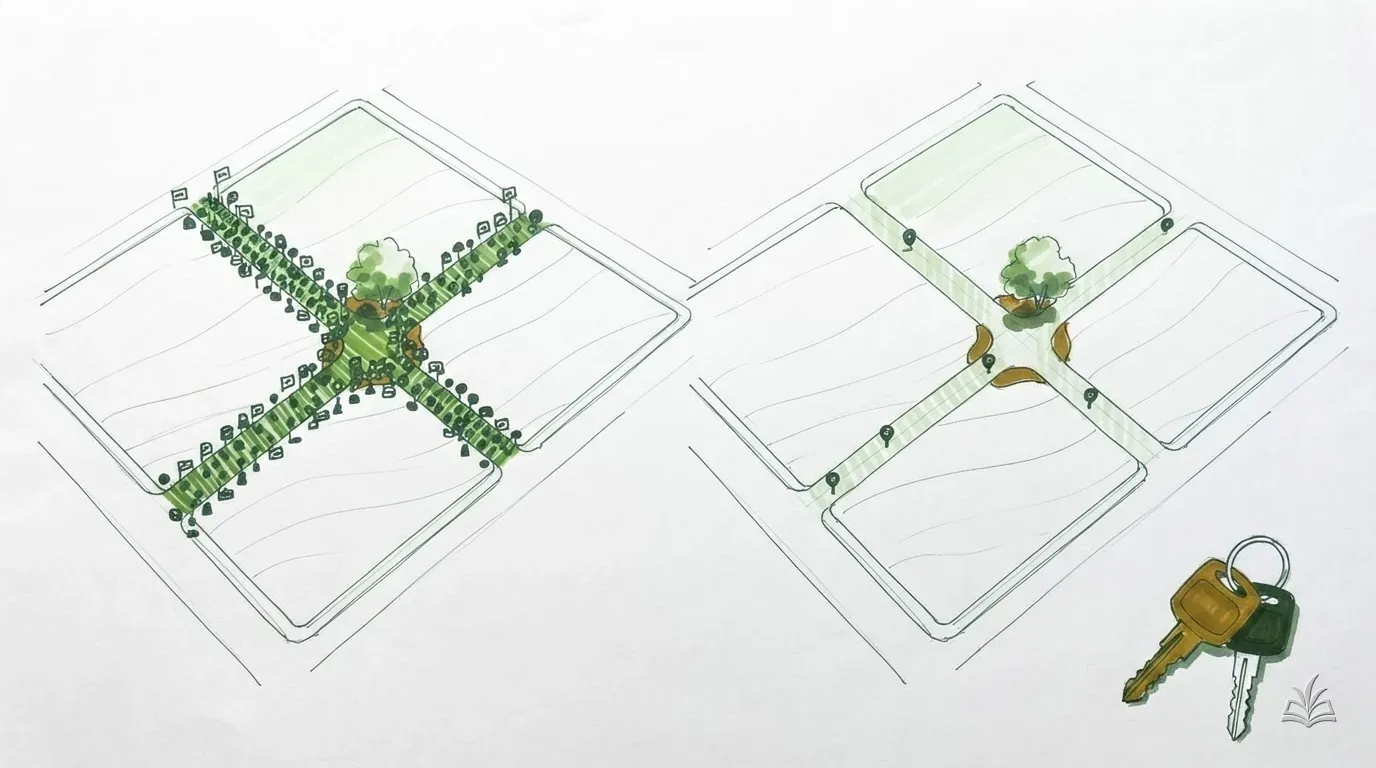
Jobber and Service Autopilot sit at opposite ends of the lawn care software spectrum. Jobber is the polished generalist: clean interface, fast setup, a mobile app crews adopt without complaint. Service Autopilot is the industry specialist: built by field service business owners, dense with automation workflows, chemical tracking, and round-based scheduling — and famous for a learning curve measured in weeks, not hours. This isn't a “pick the one with more checkmarks” decision; it's a decision about how much complexity your business can digest. Weighing more than these two? Start with our best lawn care software comparison.
Feature-by-Feature: Where Each Platform Wins
The score below isn't close to even — and that's the point. Jobber wins everywhere polish and speed matter. Service Autopilot wins everywhere depth matters, especially if you run a treatment program alongside mowing. If CRM depth is your main concern, our best lawn care CRM comparison goes deeper on that single question.
| Area | Jobber | Service Autopilot | Edge |
|---|---|---|---|
| Scheduling & Routing | Drag-and-drop calendar, route optimization on Connect+ | Dispatch board built for weekly recurring routes, routing on Pro+ | Service Autopilot |
| CRM & Client Records | Clean client manager: history, quotes, notes, attachments | Deeper fields, lead pipelines, custom client tags | Tie |
| Automations | Reminders and quote follow-ups (Connect+), custom workflows on Grow; review requests are a paid add-on | Full if/then workflow engine — but Pro Plus ($499/mo) only | Service Autopilot |
| Estimates & Invoicing | Polished quotes, online approval, batch invoicing | Functional but dated UI; strong bulk/recurring billing | Jobber |
| Chemical Tracking | None built-in — notes or custom fields only | Built-in on Pro and up: products, rates, and application records per visit | Service Autopilot |
| Reporting | Solid dashboards, job costing on Grow | Customizable reports, job costing on Pro+ | Tie |
| Ease of Learning | Crews productive in a day; cleanest UI in the category | Steep — most owners report weeks of setup and training | Jobber |
| Support & Onboarding | Live chat, phone, and email support; no sign-up fee | Support and training included, but sign-up fee on every plan | Jobber |
Time to first real invoice
~1 day
Jobber — import clients, build a quote, send it
Time to fully configured
2-6 weeks
Service Autopilot — setup, custom fields, automations
The chemical tracking gap is real. If you apply fertilizer or pesticides commercially, most states require application records — product, rate, date, and site. Service Autopilot stores this per visit. In Jobber you're improvising with job notes and custom fields. For the agronomy side of that program, see our lawn fertilizer schedule.
Jobber vs Service Autopilot Pricing
Prices below are each vendor's published rates as of October 2026. Jobber's are no-commitment monthly prices (Core drops to $29/mo billed annually); Service Autopilot says all of its published pricing is based on annual subscription rates. The headline numbers look similar at the entry level, but the ladders diverge fast. Jobber adds seats at $29/mo each, and sells Connect, Grow, and Plus in bundles too — Connect at $199 for 5 users, Grow at $299 for 5, $399 for 10, $499 for 15. Software is overhead, so bake it into your pricing strategy like fuel and insurance.
Jobber
14-day free trial · No sign-up fee · Extra users $29/mo · Connect, Grow & Plus also sold in user bundles
Core
$49/mo
1 user
- Scheduling
- Quoting
- Invoicing & payments
- Client manager (CRM)
Connect
$139/mo
1 user incl.
- Everything in Core
- Route optimization
- Automated reminders
- Quote follow-ups
- QuickBooks sync
Grow
$199/mo
1 user incl.
- Everything in Connect
- Job costing
- Custom workflow automations
- Two-way texting
Service Autopilot
Free trial · Sign-up fee on every published plan · Rates based on annual subscription · Elite: contact for pricing
Startup
$49/mo
1 business user + 1 mobile
- Scheduling & dispatch
- Invoicing & payments
- Client & lead management
- Expense tracking
Pro
$199/mo
1 business user + 2 mobile
- Everything in Startup
- Route optimization
- Multi-day jobs
- Job costing
- Custom reporting
Pro Plus
$499/mo
1 business user + 5 mobile
- Everything in Pro
- Automation workflows
- Marketplace access
- Exclusive training
Fine print that changes the math
- • Sign-up fee: every Service Autopilot plan is quoted as “$X/mo + sign up fee.” The vendor doesn't publish the amount on its pricing page or in its terms of service, so treat it as an unknown and get the exact number from sales in writing before you commit.
- • Elite tier: Service Autopilot lists a fourth plan, Elite, as contact-for-pricing with 2 business users and 8 mobile licenses. It bundles two-way texting, two-way QuickBooks Online sync, a client portal, Smart Maps, email integration, and multi-location management — all call-for-pricing add-ons on the lower tiers. With no published price, you have to take the sales call to compare it.
- • Automations: the workflow engine Service Autopilot is famous for starts at Pro Plus ($499/mo). Below that, you're paying for scheduling and dispatch — which Jobber does with less friction.
- • Payments: Jobber publishes 2.9% + 30¢ on cards and 1% on ACH bank transfers. Compare against whatever rate Service Autopilot quotes you.
Which Is Cheaper for a 1-3 Crew Lawn Business?
Jobber, in nearly every configuration. At the entry level the monthly price is identical ($49), but Service Autopilot adds a sign-up fee and its per-crew economics get worse as you grow — because the features that justify its price live in the $499/mo Pro Plus tier. Here's the math at each vendor's published rates (Jobber no-commitment monthly; Service Autopilot's are annual-subscription rates), as of October 2026. Each row assumes one login per person, office and field, and picks the cheapest Jobber configuration at the matching tier (Connect for routing, Grow for automations):
| Business size | Jobber | Service Autopilot | Cheaper |
|---|---|---|---|
Solo operator Just you — 1 login | $49/mo Core, 1 user | $49/mo + sign-up fee Startup, 1 business user + 1 mobile | Jobber (no sign-up fee) |
1-2 crews You + 3 in the field — 4 logins | $199/mo Connect 5-user bundle | $199/mo + 1 license + fee Pro (1 business user + 2 mobile) + 1 extra mobile | Jobber — same $199 before SA adds a license and its fee, and Pro has no automations |
3 crews You + 6 in the field — 7 logins | $299 + 2×$29 = $357/mo Grow 5-user tier + 2 extra users | $499/mo + 1 license + fee Pro Plus (1 business user + 5 mobile) + 1 extra mobile | Jobber by $142+/mo |
Service Autopilot doesn't publish its sign-up fee or the price of mobile licenses beyond the counts each plan includes — confirm both with sales before comparing totals, which can only widen the Jobber gap. On the Jobber side, Grow is sold both per-user ($199 for 1 user, +$29 each) and in bundles ($299 for 5 users, $399 for 10), so at seven logins the 5-user bundle plus two add-ons beats stacking add-ons on the single-user price.
Reality check: at 1-3 crews, a software difference of $150/mo at the very most matters less than whether your jobs are priced right. A crew under-charging by $5 per lawn loses more in a week than the software gap costs in a month. Run your numbers through our guide to pricing lawn care jobs before optimizing the overhead line.
Which Should You Pick?
Match the software to the business you run today, not the one you plan to run in three years. Both platforms let you upgrade later.
New or Solo Lawn Care Business
Jobber Core
Same $49/mo as Service Autopilot Startup, but no sign-up fee, a cleaner mobile app, and quoting polished enough to win work against bigger competitors. You'll send your first professional quote the day you sign up instead of spending your first week in setup screens.
Pro tip: Get the business fundamentals in place before any software. Licenses, insurance, and a simple service list come first. See our guide to starting a lawn care business.
Mowing & Maintenance, 2-5 Crews
Jobber Connect or Grow
Route optimization, automated visit reminders, and QuickBooks sync cover the day-to-day of a maintenance operation, at $139-$199/mo plus $29 per extra user (Connect and Grow also sell 5-user bundles at $199 and $299). Service Autopilot Pro costs the same or more and its calendar takes far longer to master — without giving you the automation engine at this tier.
Pro tip: Whatever platform you pick, standardize your invoice format so the office isn't rebuilding it per client. See our landscaping invoice template.
Fertilization & Chemical Applications
Service Autopilot
This is the niche Service Autopilot was built in. Per-visit chemical records (product, rate, target), round-based program scheduling, and renewal automation fit a fert/squirt business the way generic field service software never will. Jobber can run the schedule, but you'd track applications in notes — risky when the state inspector asks for records.
Pro tip: Treatment programs live or die on renewals. Whatever you pick, make sure it can send prepay renewal offers each winter without someone typing them one at a time.
Around 8-10+ Field Staff, Office Manager, Complex Ops
Service Autopilot Pro Plus or Elite
Past about 8-10 field staff the automation engine earns its $499/mo: lead follow-up sequences, review requests, upsell campaigns, and client lifecycle workflows run without anyone touching them. The weeks of configuration amortize over a big enough operation. This is where Jobber starts feeling thin rather than refreshingly simple.
Pro tip: Assign one person to own the system. Automations that nobody maintains quietly break and email your clients nonsense.
Growth Is the Bottleneck, Not Operations
Neither — fix marketing first
If you have capacity and not enough customers, a $200-500/mo ops platform is the wrong purchase. Jobber Core plus a real customer acquisition push beats an expensive system managing an empty schedule. Software multiplies the jobs you already have; it doesn't create them.
Pro tip: Start with the free and cheap channels — Google Business Profile, door hangers on route-dense streets, referral incentives. See our guide to getting lawn care customers.
Migration Notes: Switching Between Them
Migrations tend to run one of two directions: outgrowing Jobber and moving to Service Autopilot somewhere around 8-10 field staff, or the reverse — abandoning a half-configured Service Autopilot account for something the crew will actually use. Either way:
Budget real setup time for Service Autopilot
Moving Jobber → Service Autopilot isn't a weekend project. Plan 2-6 weeks to import clients, rebuild recurring schedules, configure custom fields, and (on Pro Plus) build automations. Moving the other direction is much faster — Jobber imports a client CSV and you're scheduling the same day.
Export everything before you cancel anything
Both platforms export clients, job history, and invoices as CSV. Pull the exports while your subscription is active — and keep a copy of past invoices for taxes either way.
Run both platforms in parallel for two weeks
Both offer free trials. Enter real jobs — not demo data — in the new system while the old one keeps running. Recurring-schedule imports are where migrations break; verify next month's visits landed on the right days.
Mind Service Autopilot's contract terms
Service Autopilot's own pricing page states you can upgrade whenever you want but can only downgrade at the end of your contract period, and every published plan is quoted as "+ sign up fee." Jobber's monthly plans cancel anytime. Check your contract terms before you commit, and before annual billing tempts you with the discount.
Switch in the off-season
January through March means fewer active jobs and room to train the crew before the spring rush. Re-issue any client-facing paperwork from the new system so branding and terms stay consistent.
Before you migrate anything: make sure your client agreements travel with you. If your terms only exist inside the old software's job notes, rebuild them properly with a landscaping contract template so every recurring client has a real agreement on file in the new system.
Frequently Asked Questions
Comparing the easier-to-learn pair instead? See Jobber vs Housecall Pro.
Final Recommendation
Pick Jobber if you run mowing and maintenance with up to about 8-10 field staff: it's cheaper at every comparable tier, has no sign-up fee, and your crew will use it by tomorrow. Pick Service Autopilot if you run a fertilization/chemical program that needs real application records, or a larger operation ready to invest weeks of setup in the Pro Plus automation engine. Trial the winner with real jobs for two weeks before committing, and if you're still mapping out what your operation needs, sketch it in our landscaping business plan template first.